Delivery Route Planner
Turn a delivery address list into the shortest route
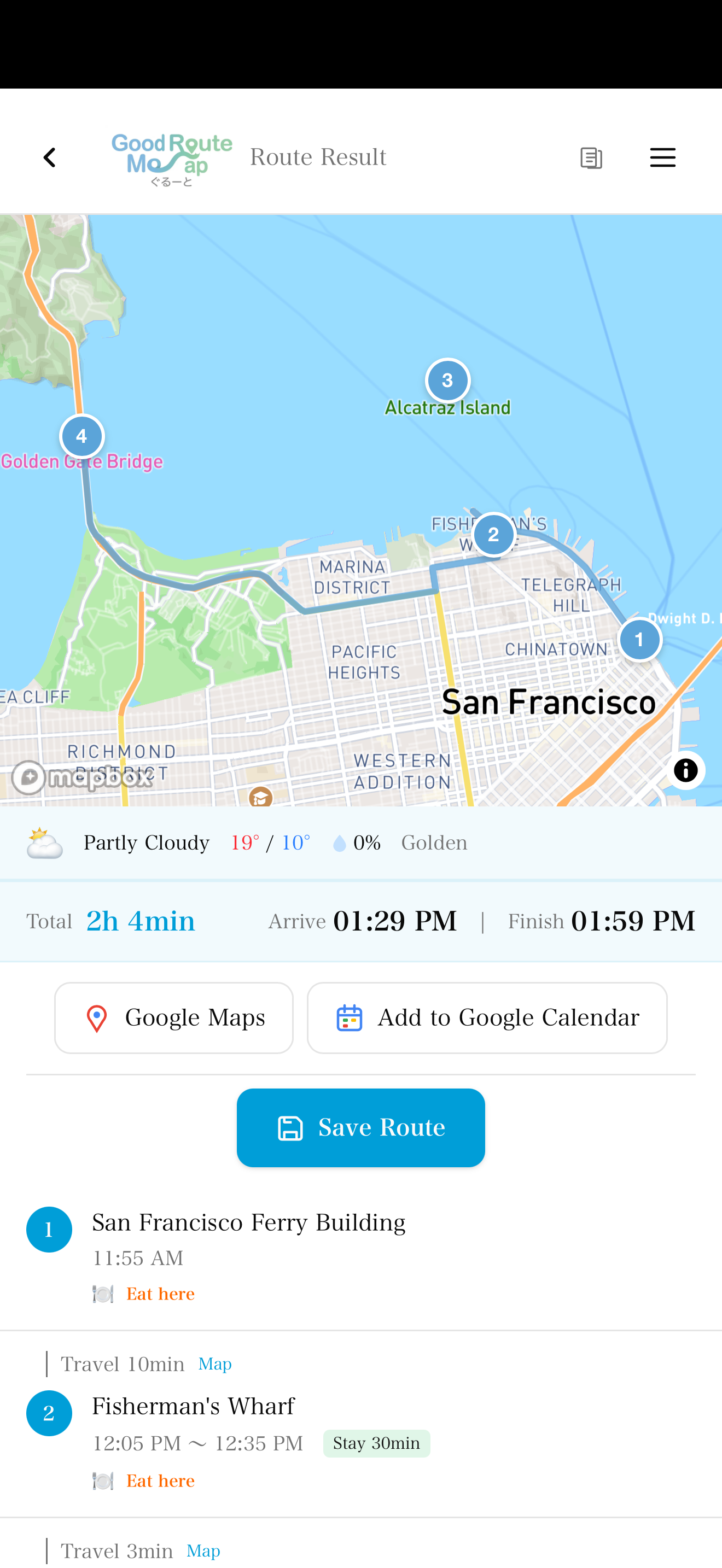
Go(od)Route helps couriers and delivery drivers reorder multiple stops, launch navigation, reuse saved routes, log trips, and keep recent routes available when signal drops.
Best for: Gig couriers, parcel delivery, recurring store delivery, pickup routes
Pain Points
What slows delivery prep down
- ! Manually deciding the best stop order
- ! Rebuilding a route after failed deliveries
- ! Leaving mileage and expense notes until later
- ! Losing access to the last route in weak-signal areas
Solution
How Go(od)Route helps
- ✓ Bulk-enter addresses and auto-sort into an efficient order
- ✓ Reuse saved routes for recurring delivery areas
- ✓ Export trip history for expenses
- ✓ Open recent cached routes offline
Workflow
Before starting deliveries
Paste the stop list
Enter addresses from spreadsheets, email, or CSV.
Optimize the order
Create a route from your current location or chosen start point.
Launch navigation per leg
Hand off each segment to Google Maps or Apple Maps.
Why It Works
Built for delivery work
Go(od)Route focuses on the work before navigation: deciding the order, saving repeat routes, and keeping useful records.
Multi-stop route optimization on the free plan
Saved routes, CSV, and PDF reports in Pro
Delivery data stays on-device and is not stored on our servers
FAQ
Frequently Asked Questions
Can Google Maps optimize my delivery stop order by itself?
Google Maps is excellent for navigation, but Go(od)Route focuses on the work before navigation: sorting multiple stops, saving repeat routes, and keeping visit history.
Can I use it for high-volume delivery days?
For very large delivery days, split stops by area and optimize each route. Saved routes and exports help recurring work move faster.
Spend less time sorting delivery stops
Paste addresses, optimize the route, and start navigating.